Open for Display. Expert Controls. Fly your Files.
Over 100 file extensions, one app, each shown the way it's meant to be — documents, books and comics, photos and music, video, 360s and 3D. Map them, sticker them, wire them to knobs, and play the whole job with one key: you at the controls, the room on a clean screen.
display · organize · sticker

How it flows
-
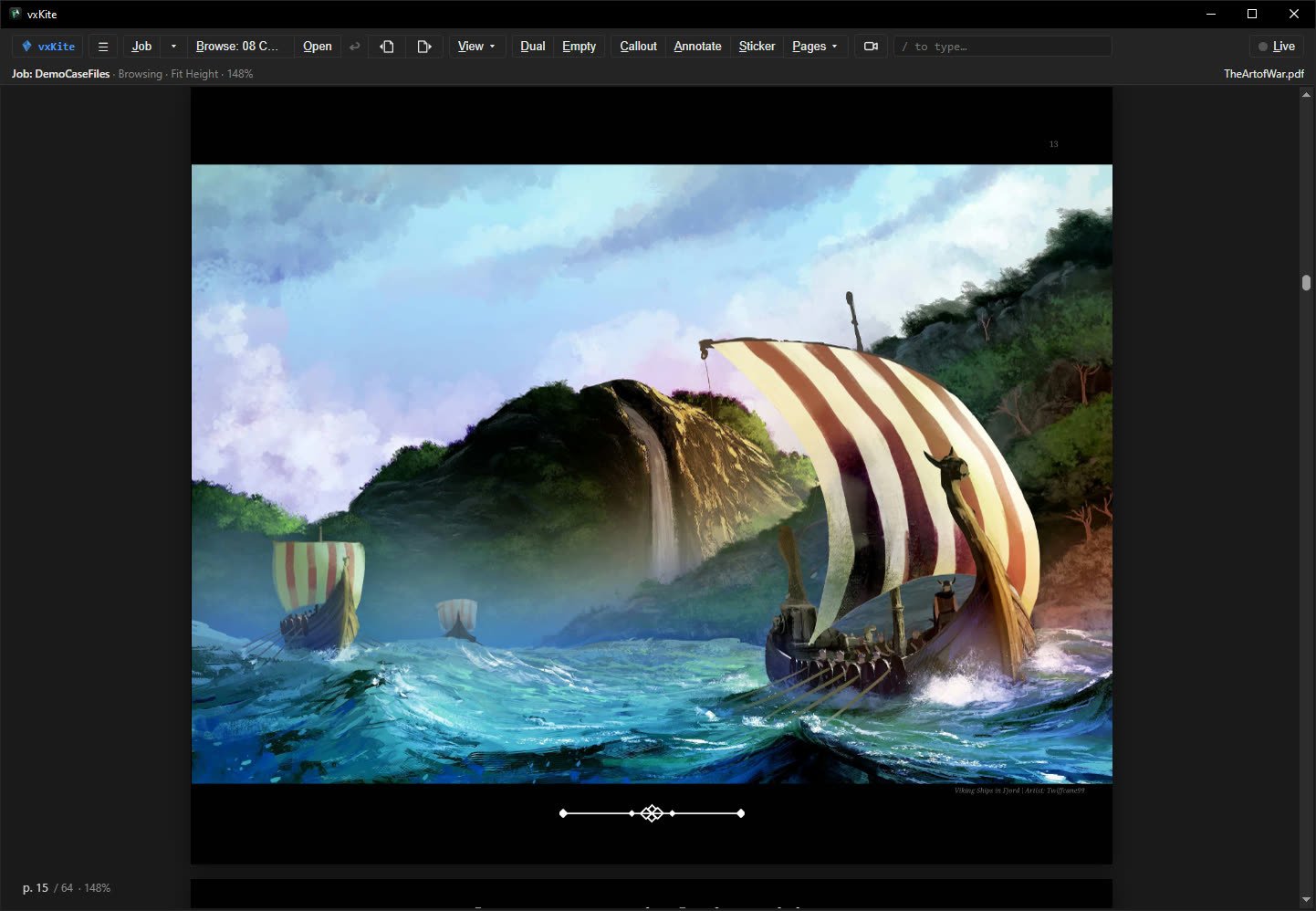
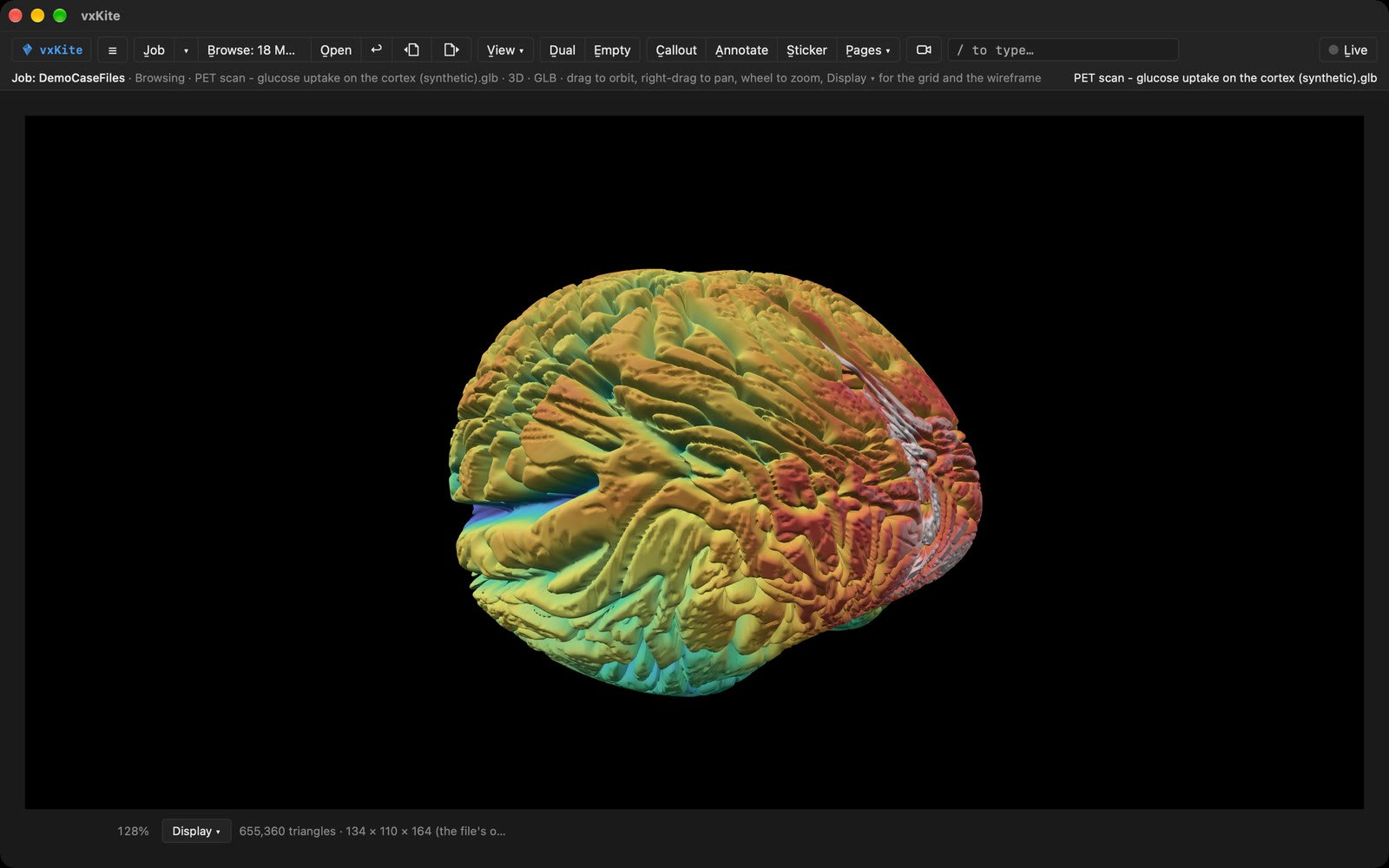
A three.js scene, playing in place. 1Open
A job is a folder. Point vxKite at it and open what's there — 112 file extensions, each the way it deserves. Resume brings both panes back as you left them.
-
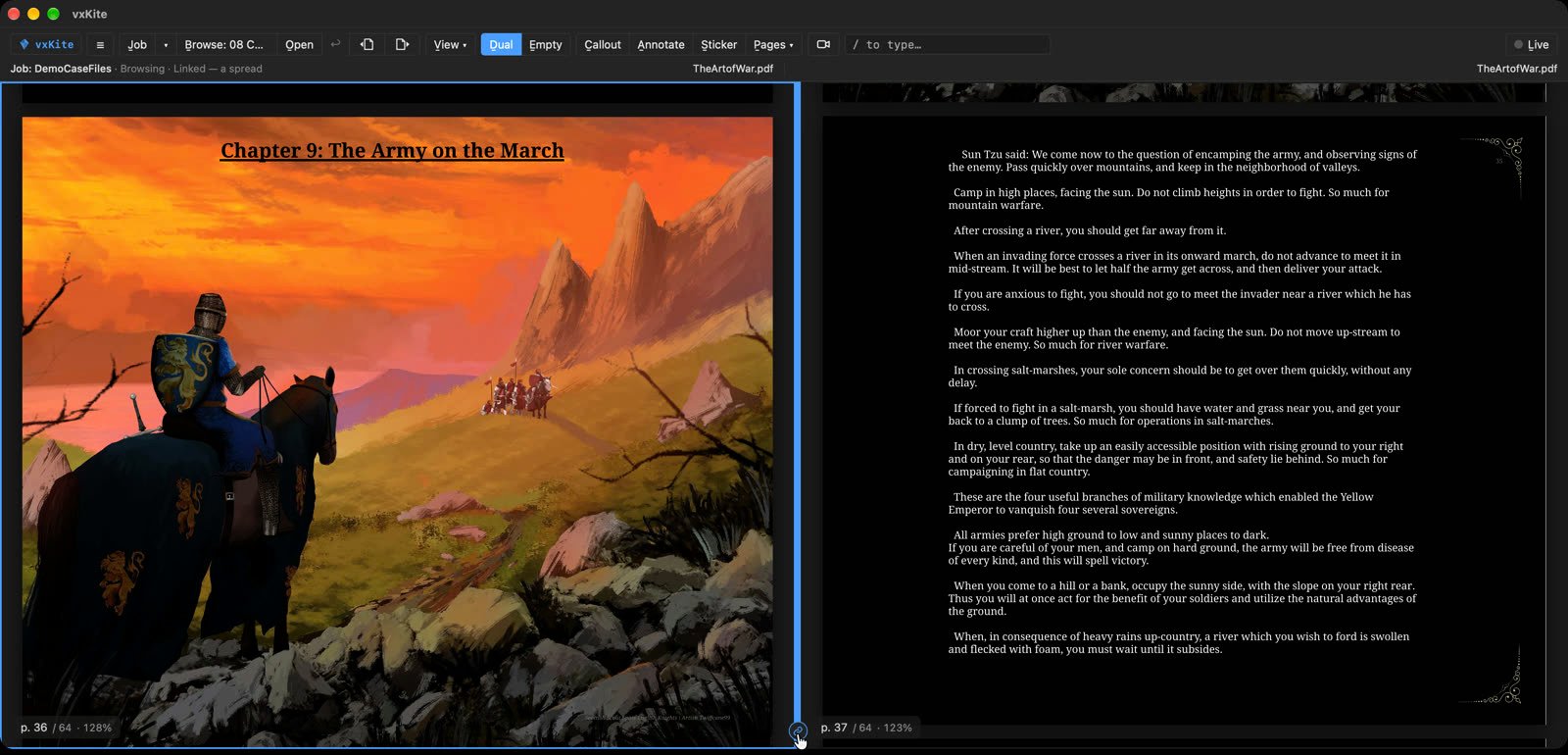
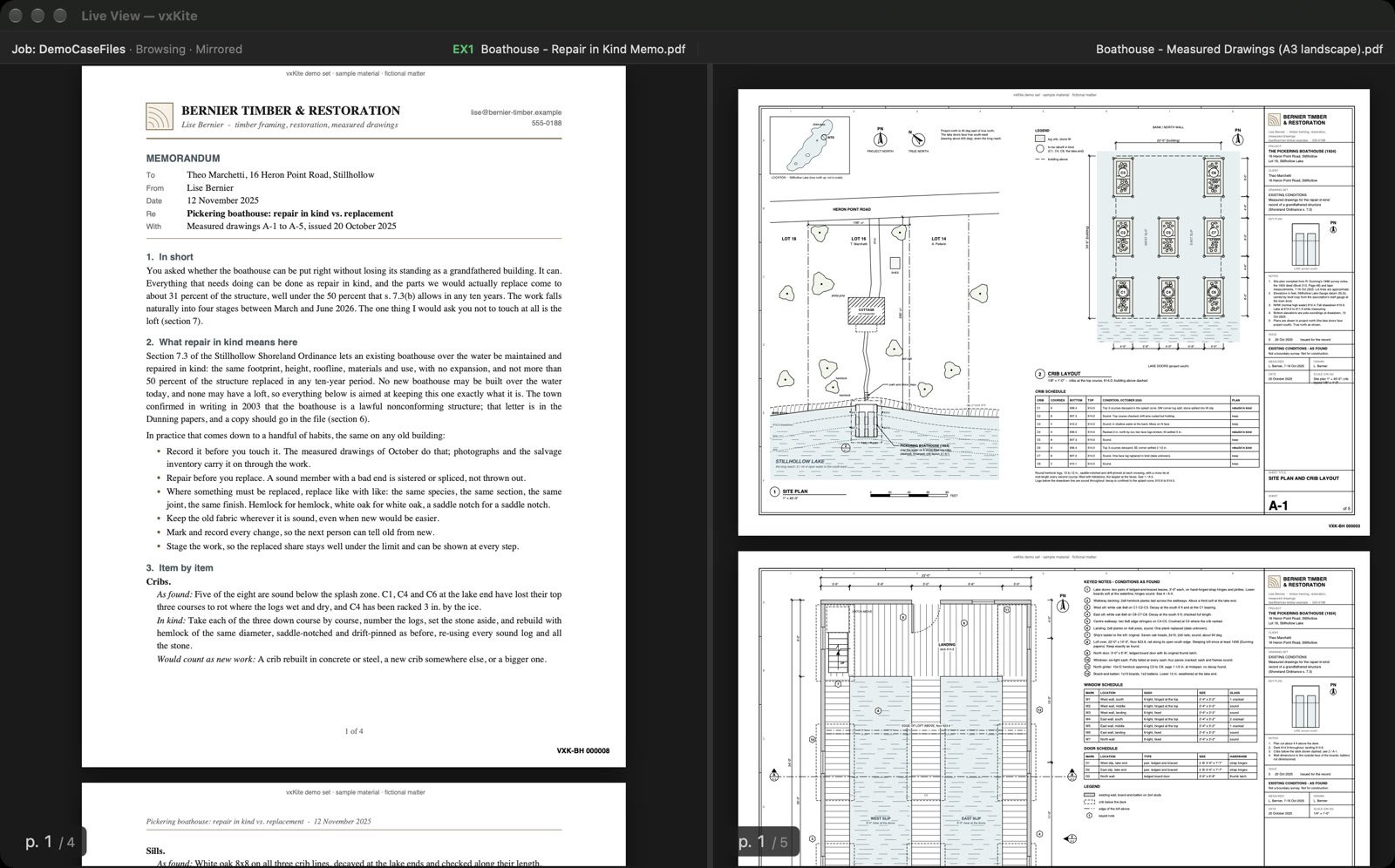
Two panes, linked — a book as a spread. 2Show
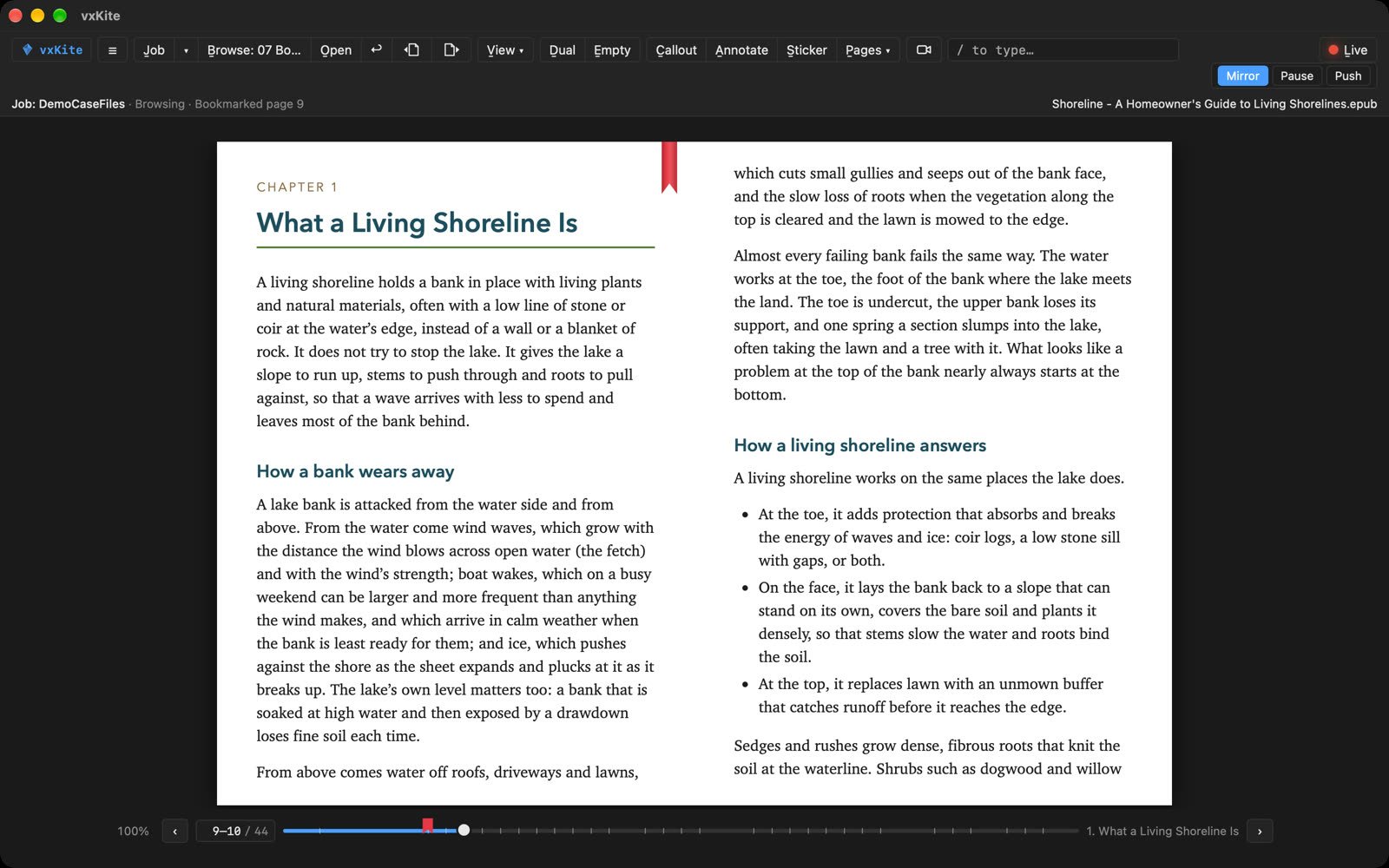
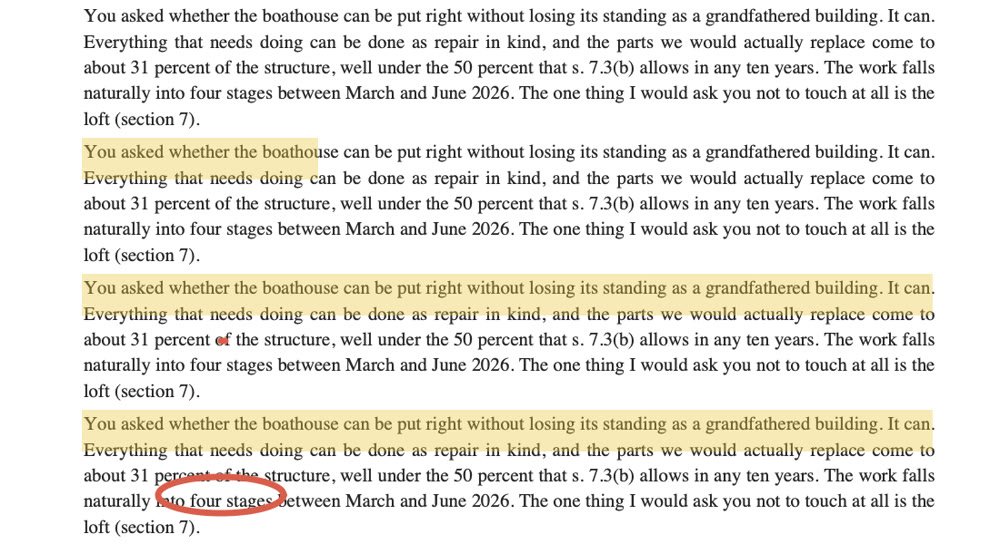
Fit, zoom and find. Two panes, any kind in either, and Link moves them as one. A callout lifts a passage out, large, over the page.
-
Your laptop, and the room's screen. 3Present
Live puts your view on the room's screen and never takes the keys. Pause it, push a view, cut to black, or put a document camera beside the page.
-
A media map on a drawn plan: in Viewing, a click on a dot opens its file; in Editing, a file placed where it belongs, its dot given an icon of your own, a cone turned the way it looks; then a 3D scene opened from its dot as a Card, playing. 4Build
Put the job's photos, clips, 360s and documents on a map where each was taken — a police diagram, a site plan, a dungeon's map, a lake with the day's GPS track. Draw a hotspot on a page to open another file, or a panel of knobs to drive one.
-
5Mark, then hand off
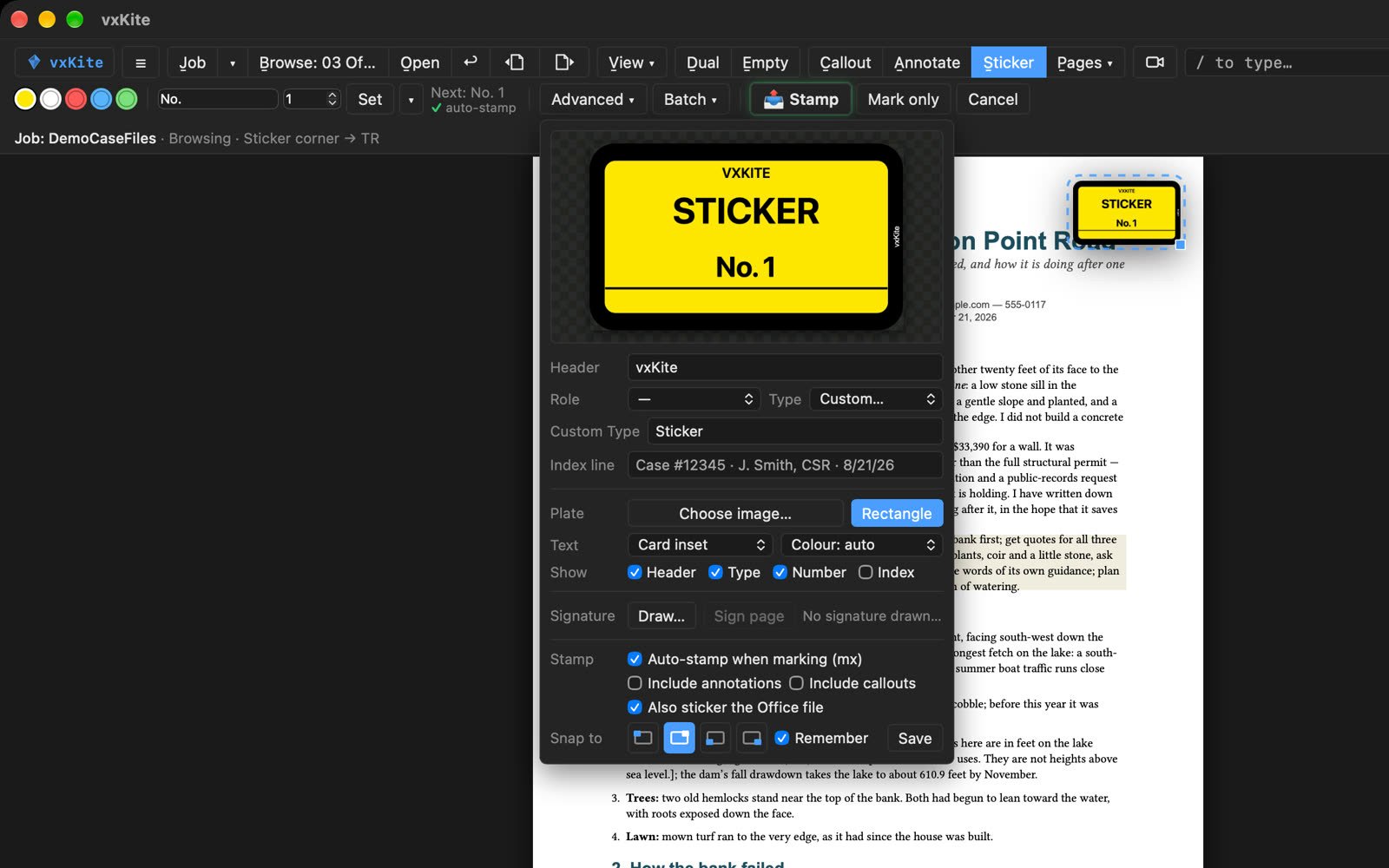
VXKITE · STICKER · No. 1, proofed live and placed — Enter stamps it. Mark
mx4copies the file into Marked as EX4,mx4aas EX4A — a translation beside its original — andmxaas Exhibit A; after.series D Doe,mxd1's sticker reads Doe 1.Splaces the sticker, Enter stamps it — a PDF stays a searchable PDF. The original is never written.
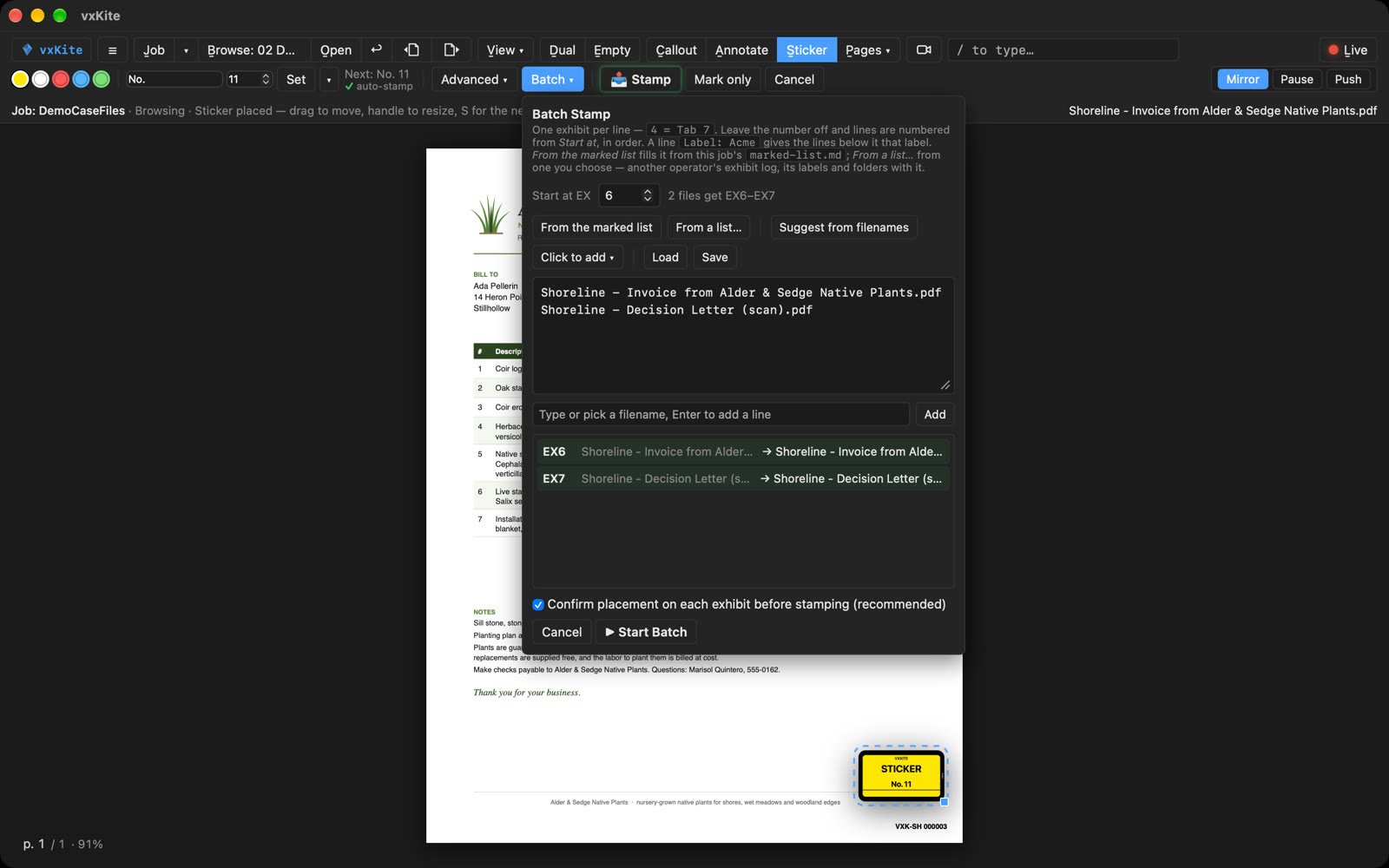
The court reporter's Batch, filled from the hand-off: each label mapped to a style of the reporter's own. The hand-off is the labelled set.
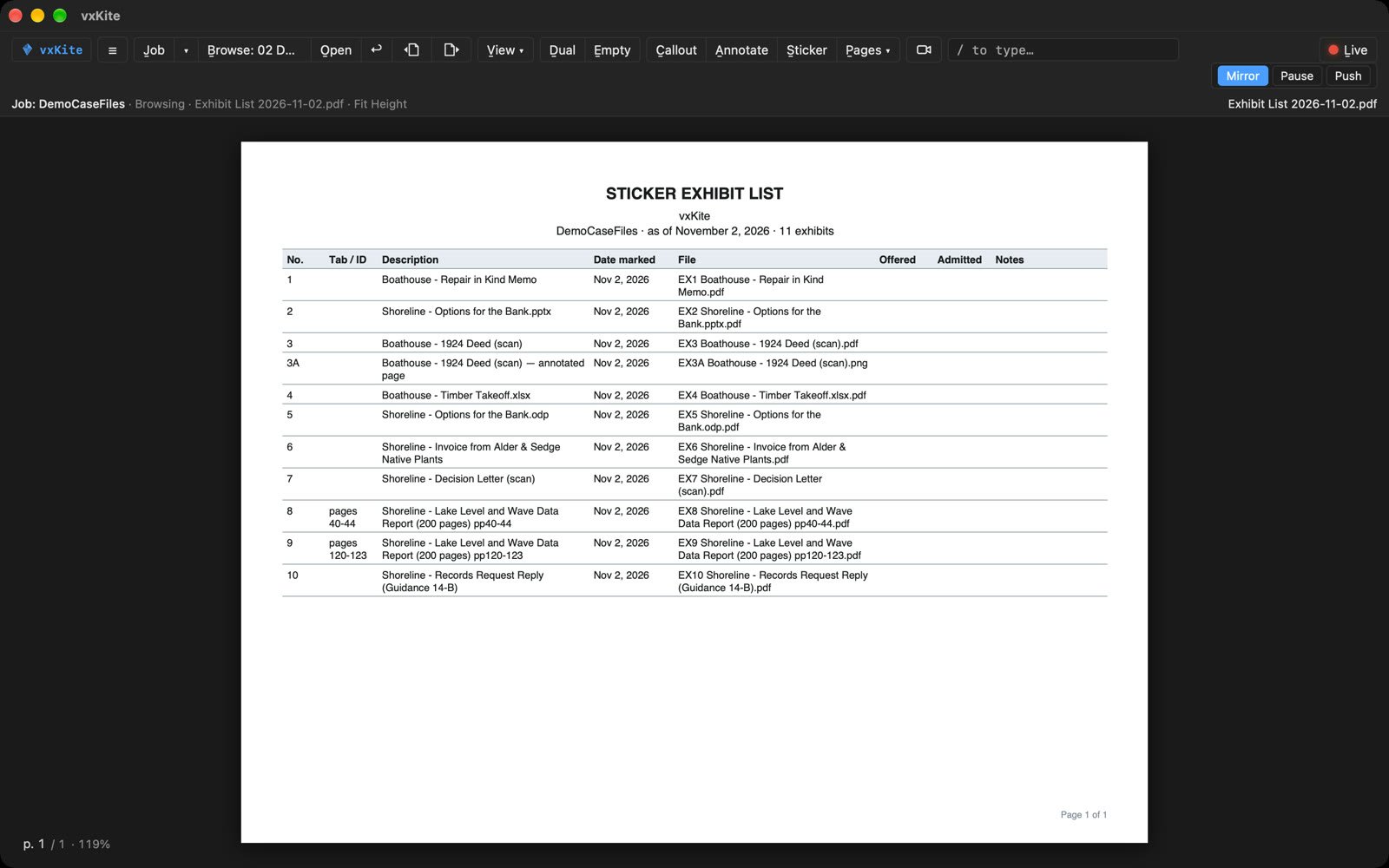
At the end of the day: the stickered set, each exhibit in its own label, and the exhibit list as Excel, Word, PDF or CSV. One file, the exhibit log, hands the record to the court reporter's vxKite, and its Batch stamps the same exhibits in that operator's own labels. Before a job closes, vxKite looks over the exhibits against their files, and asks first if one is out of step.
360 — from one photo to a tour
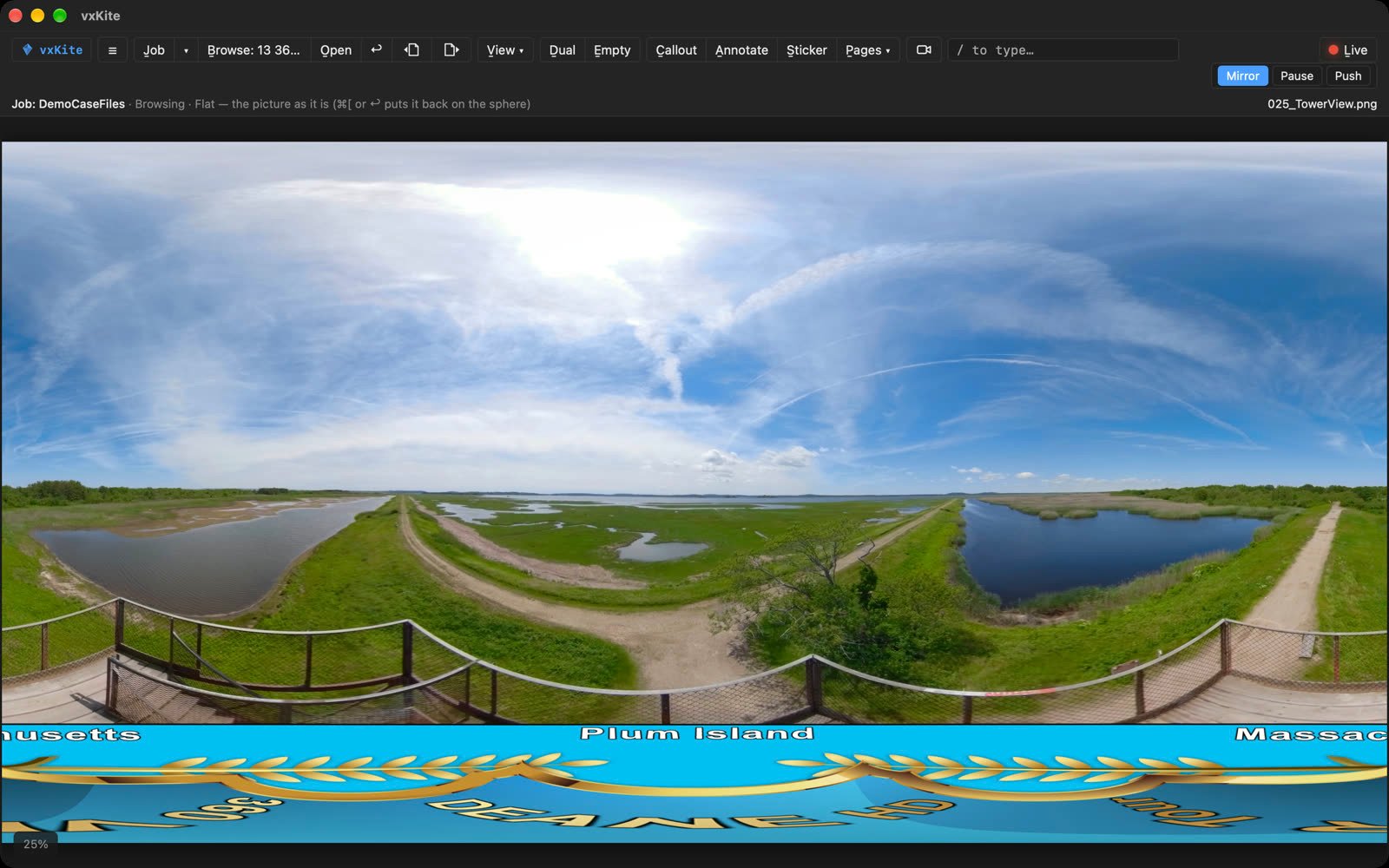
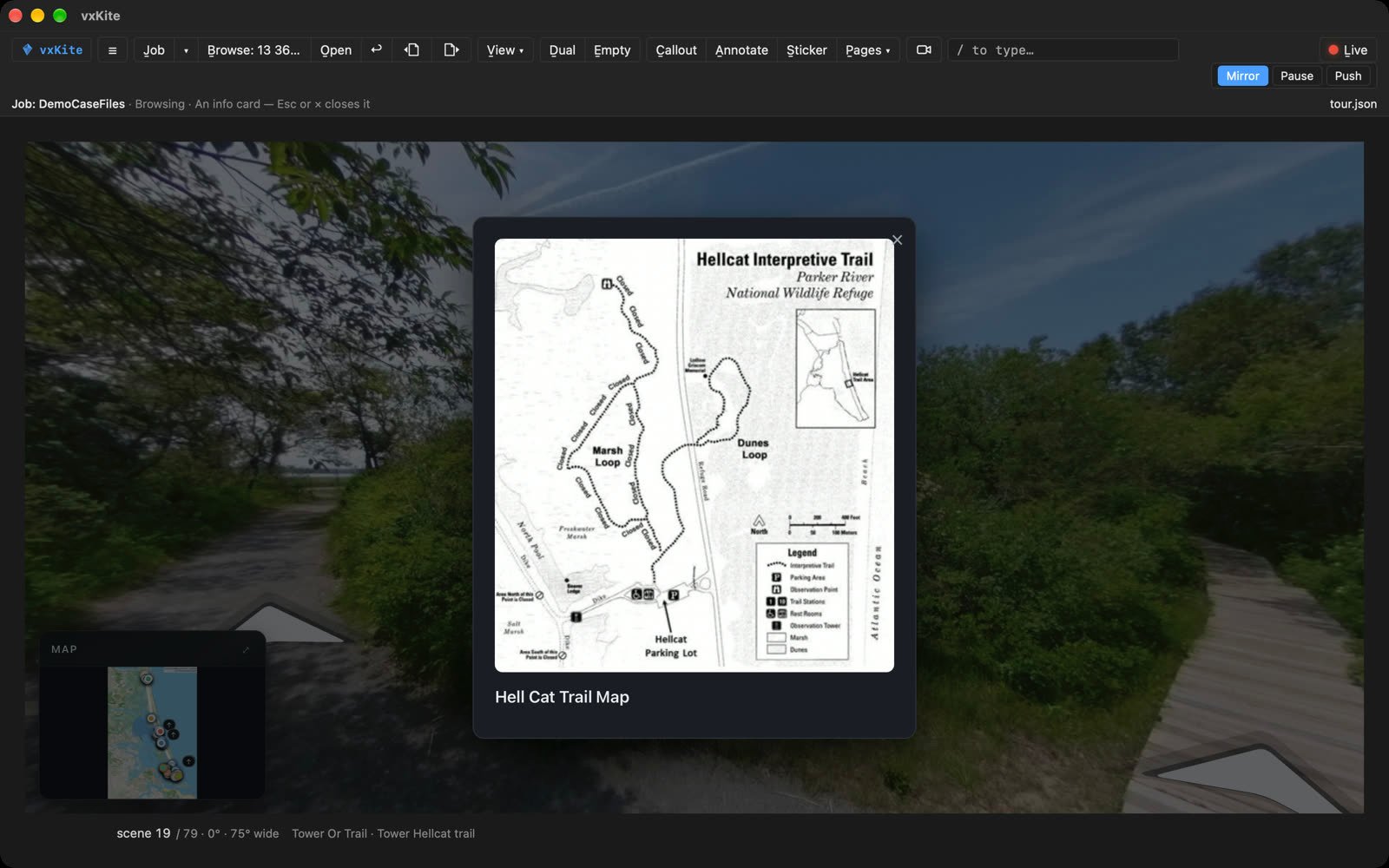
A 360 photo opens on the sphere — drag to look around — and View turns it into the flat panorama or a little planet. A 360 video plays on the sphere too. Place your 360s on a map by hand and each opens beside it, ← and → walking them in turn: a rough tour, made in vxKite. For a full tour — walk arrows, info cards, hidden trails — build it in srScout, a separate app from the same maker; vxKite plays it in srScout's own player, unchanged.


Panels — knobs, sticks and switches.
A board of controls vxKite draws itself — knobs, sliders, switches, buttons, joysticks — a small file of its own that drives another, beside it or over it: a clock's hands and its cuckoo, a clip's play and its seconds, a dial through a document's pages, a demonstrative's layers switched on in turn, a stick to look about a 360. Made by mouse and kept with the job. Nothing in it runs.
6Guide — then play the whole case with one key
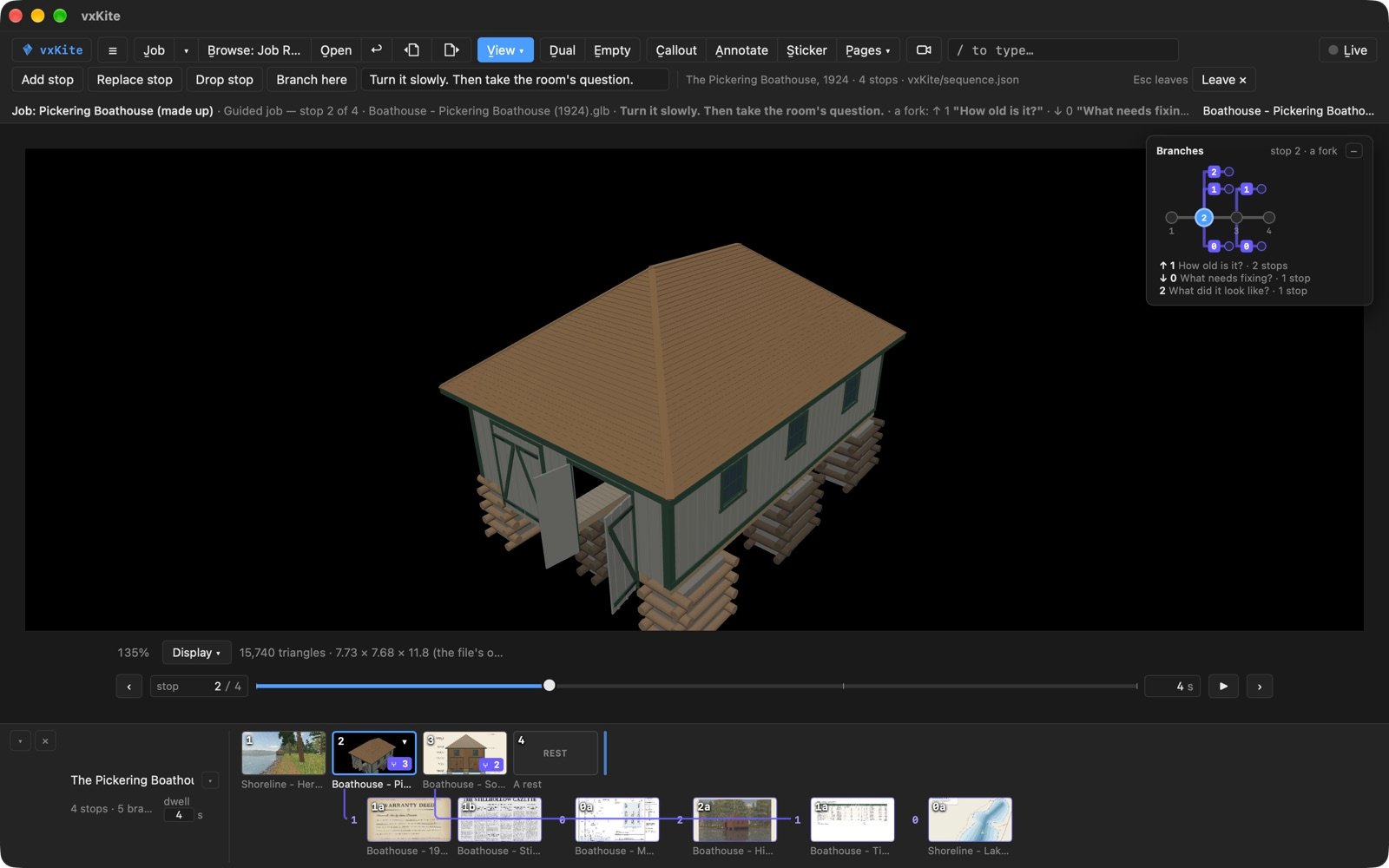
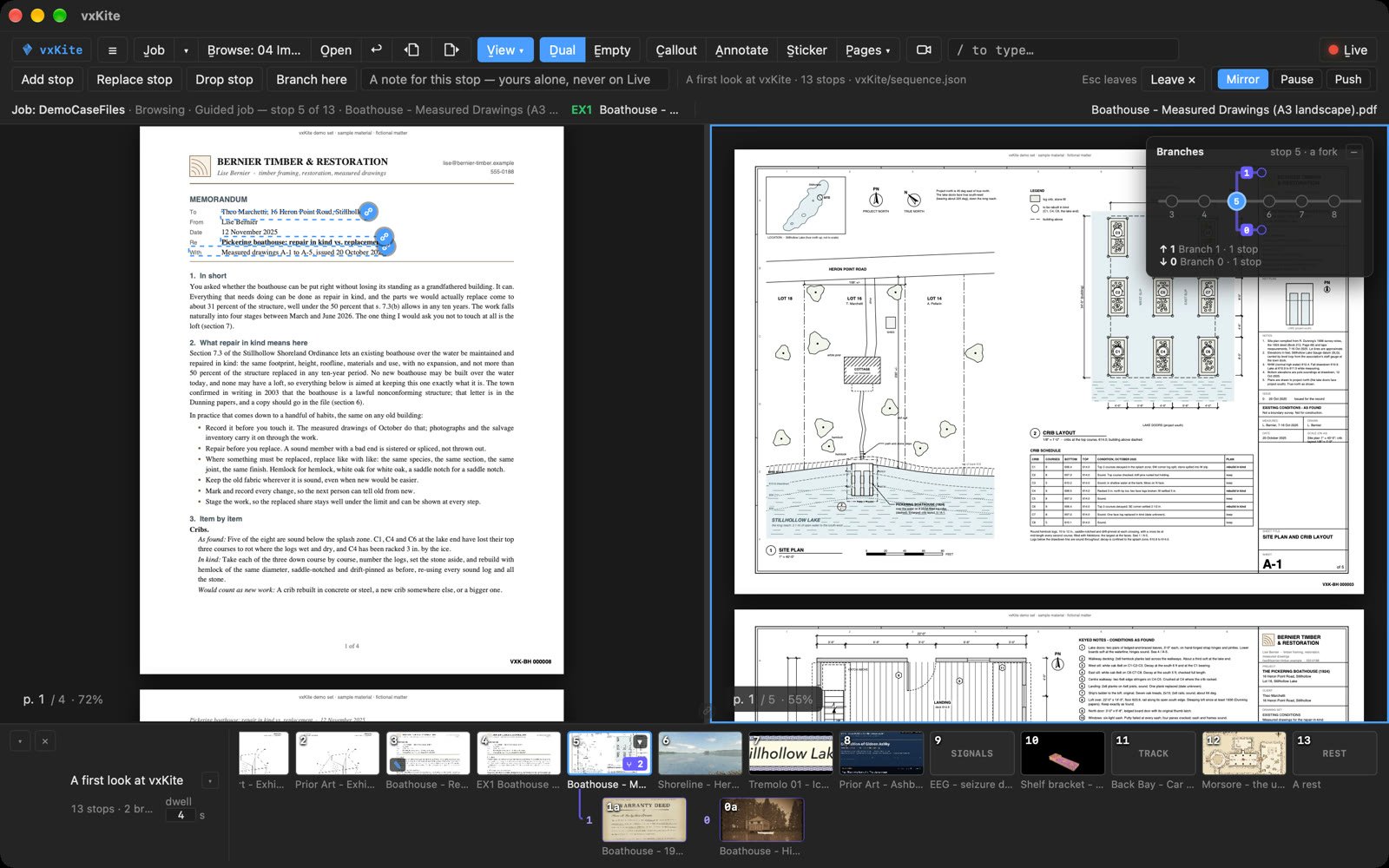
Everything above, set up once as stops across the job's files, each landing exactly as it was kept — panes, page, zoom, ink. Space moves on; a branch waits for the question you may or may not be asked. Leave, and the screen is as it was.
A desktop app on your own disk. What vxKite makes goes into one vxKite folder in the job, with the record beside it. Your originals are never written.
What it's for
1Open & Read
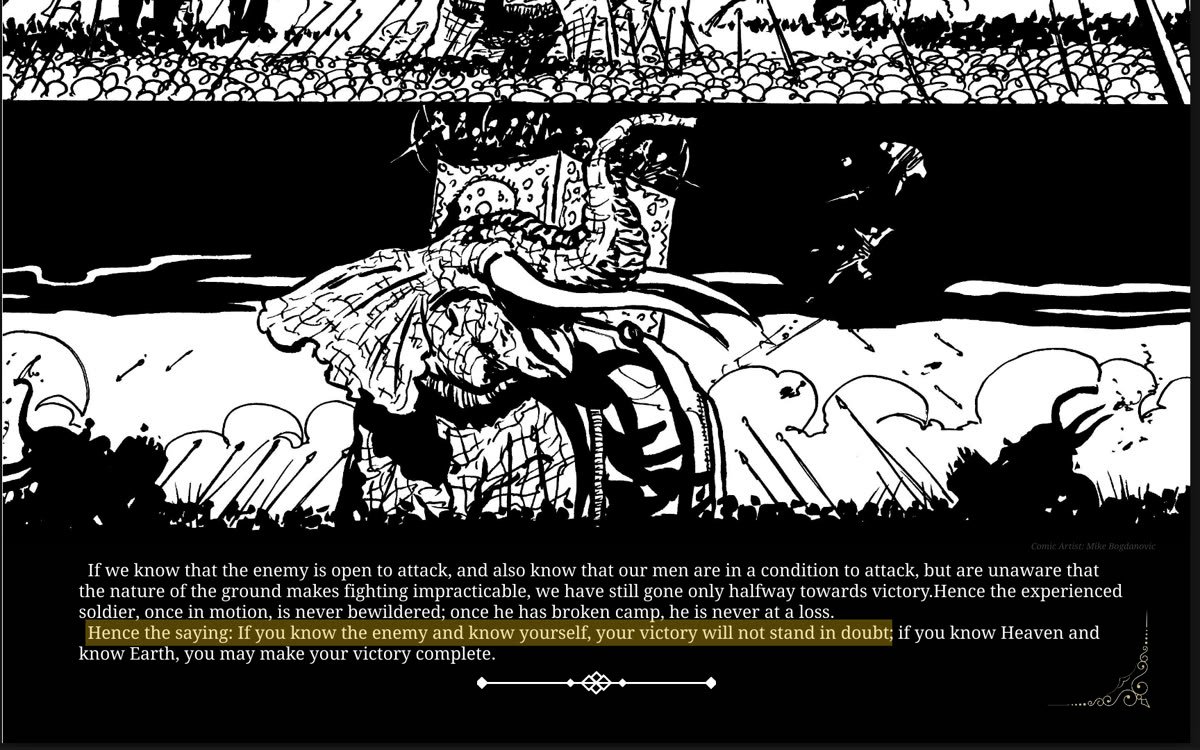
Books as books with their pages turning, comics panel by panel, manga right to left — a passage highlighted, a panel lifted out large. And a website, a JSON or a script shown as it is: nothing in it runs, and the file is never written.

2Doc Tech in the hot seat
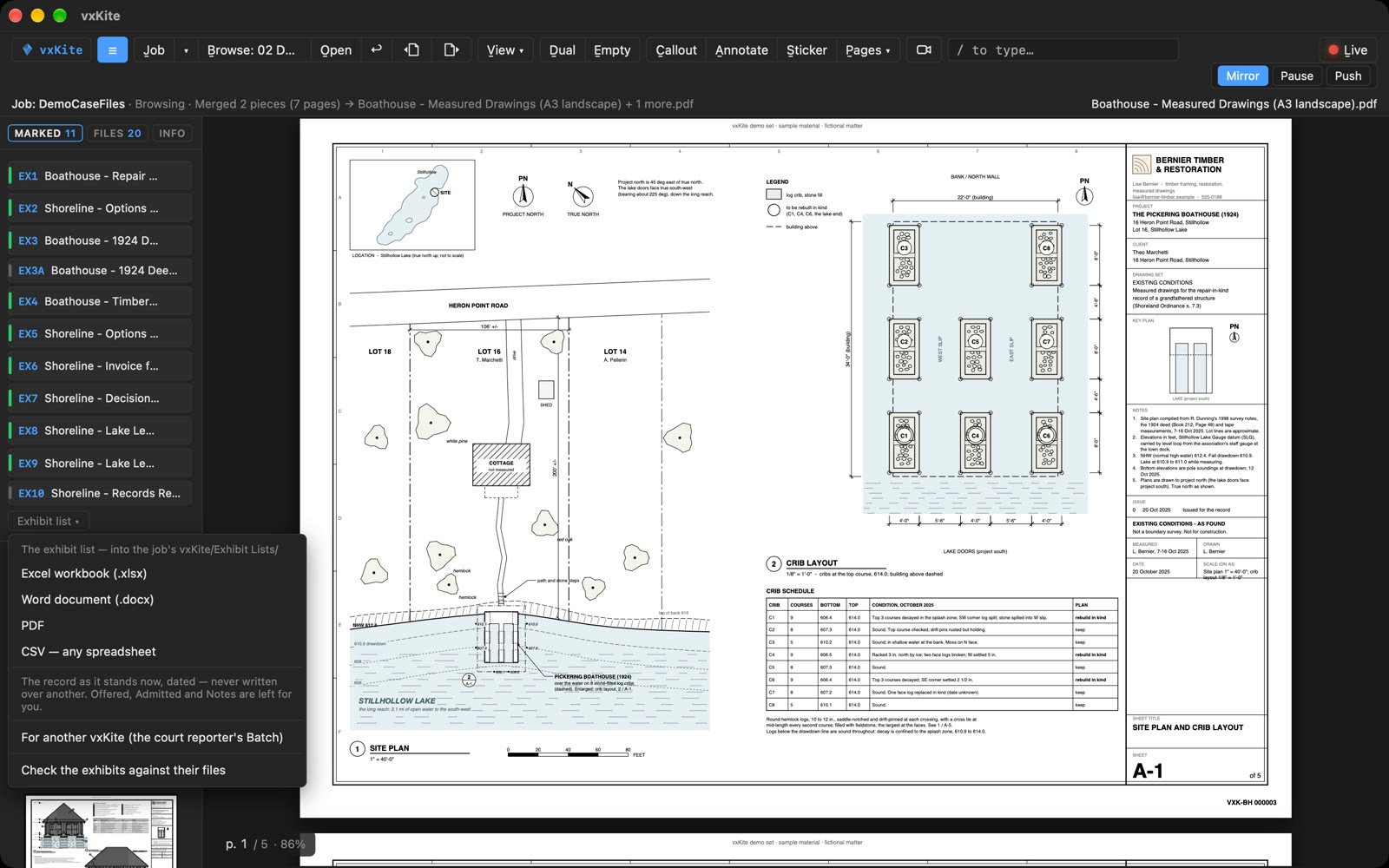
Any exhibit on the room's screen in seconds, even a file you have never seen.

3Student & Researcher
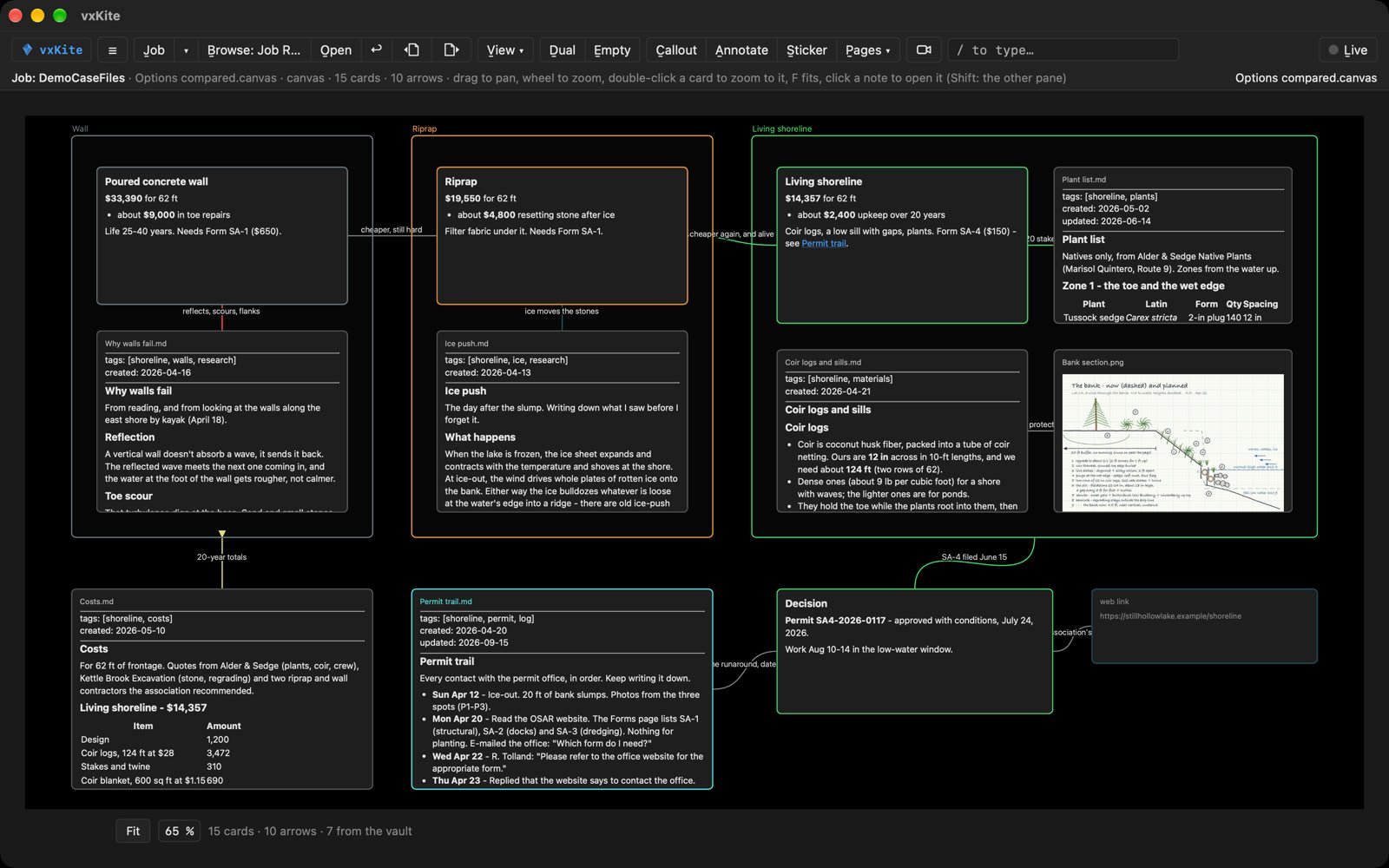
Your own files — tracks, scans, records, models — shown the way you read them.

4Educator / Presenter
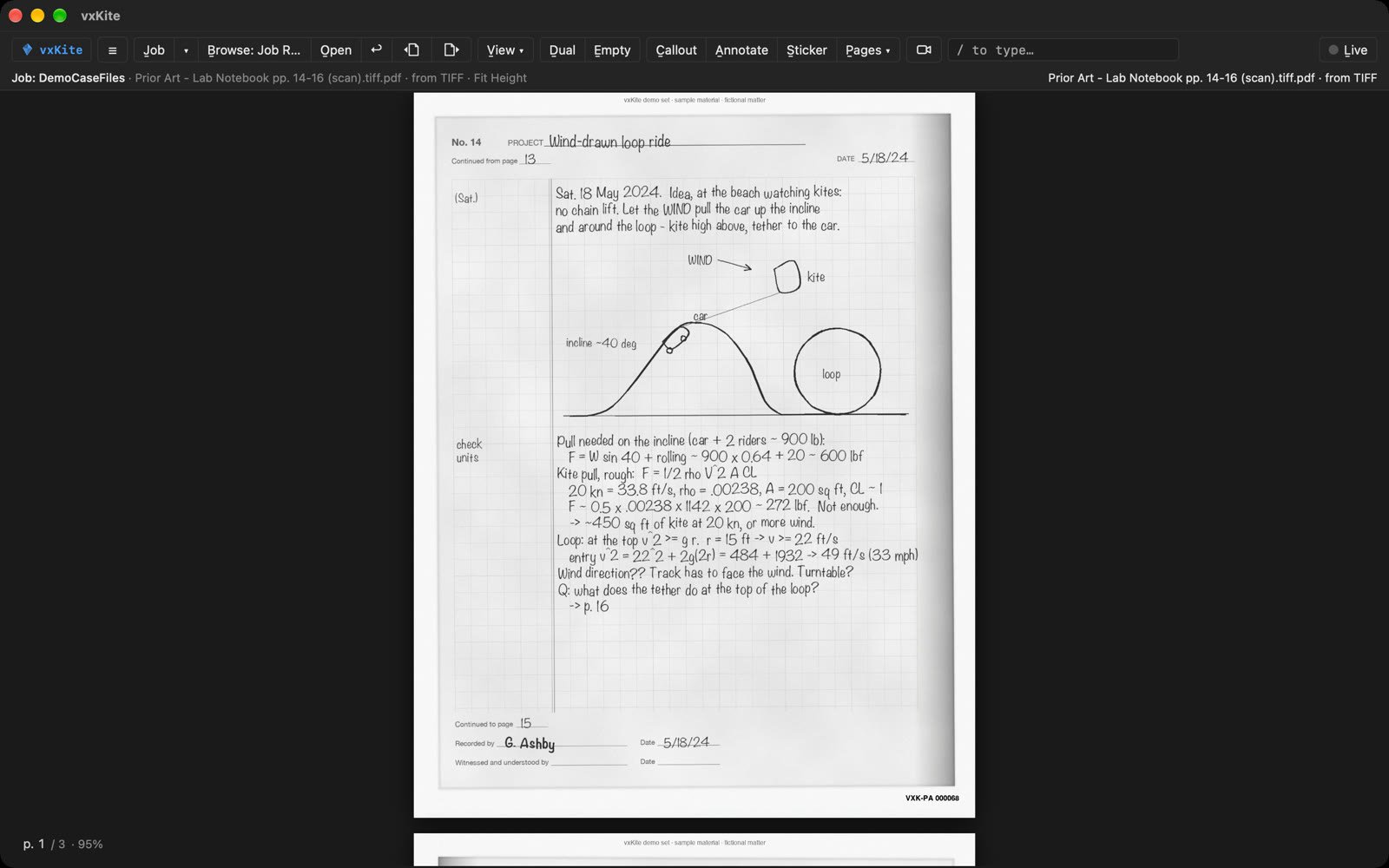
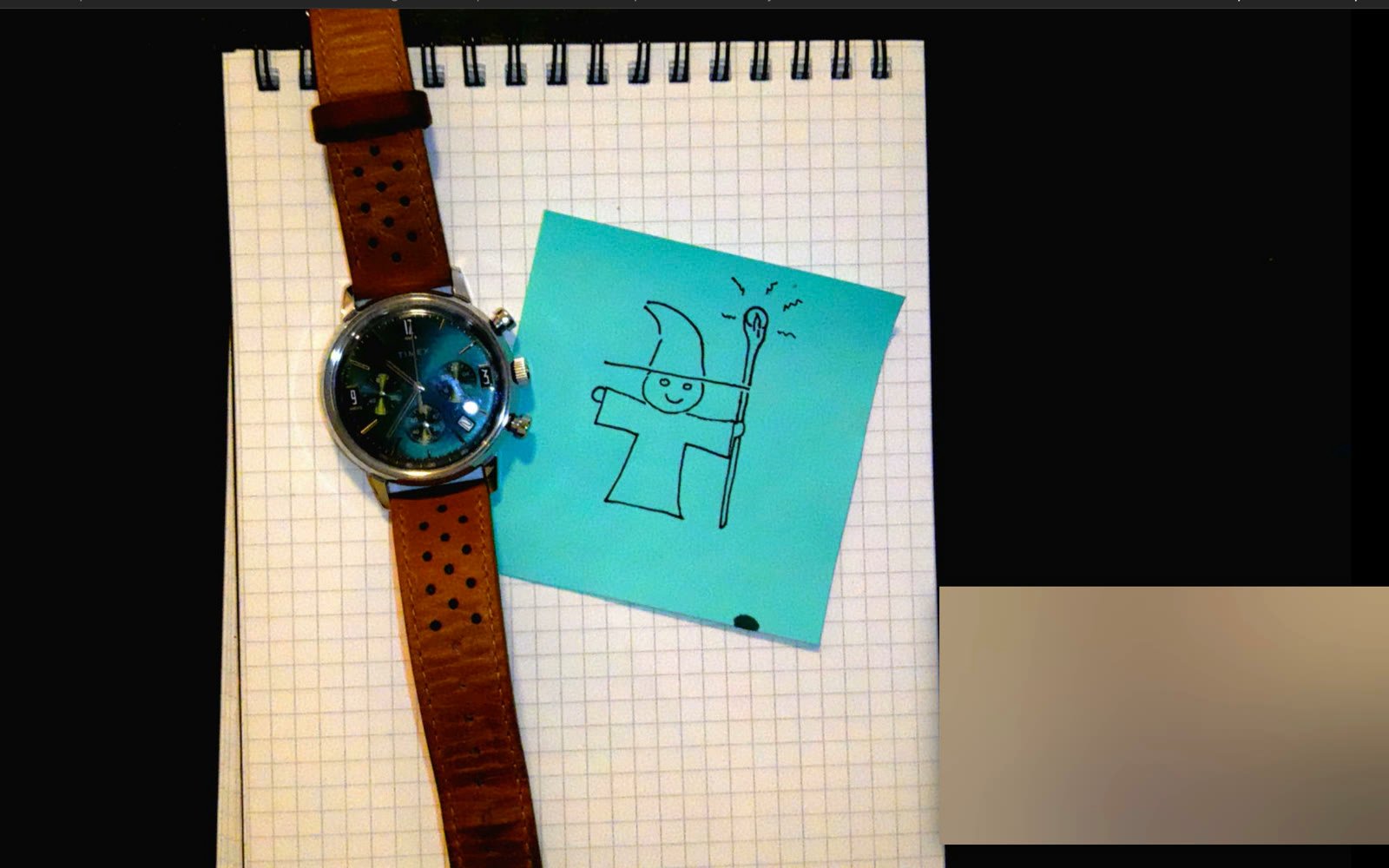
A lesson or a talk built once as a guided job, played with one key — a document camera on the stage, your own camera in the corner.
5Mapping & Reconstruction
Panes wired through the patch bay — page for page, by time, or a 360 and a model looking the same way — a panel's knobs on the same cables, and a media map of where everything happened.
On this page: Build · 360 · Panels


6File management
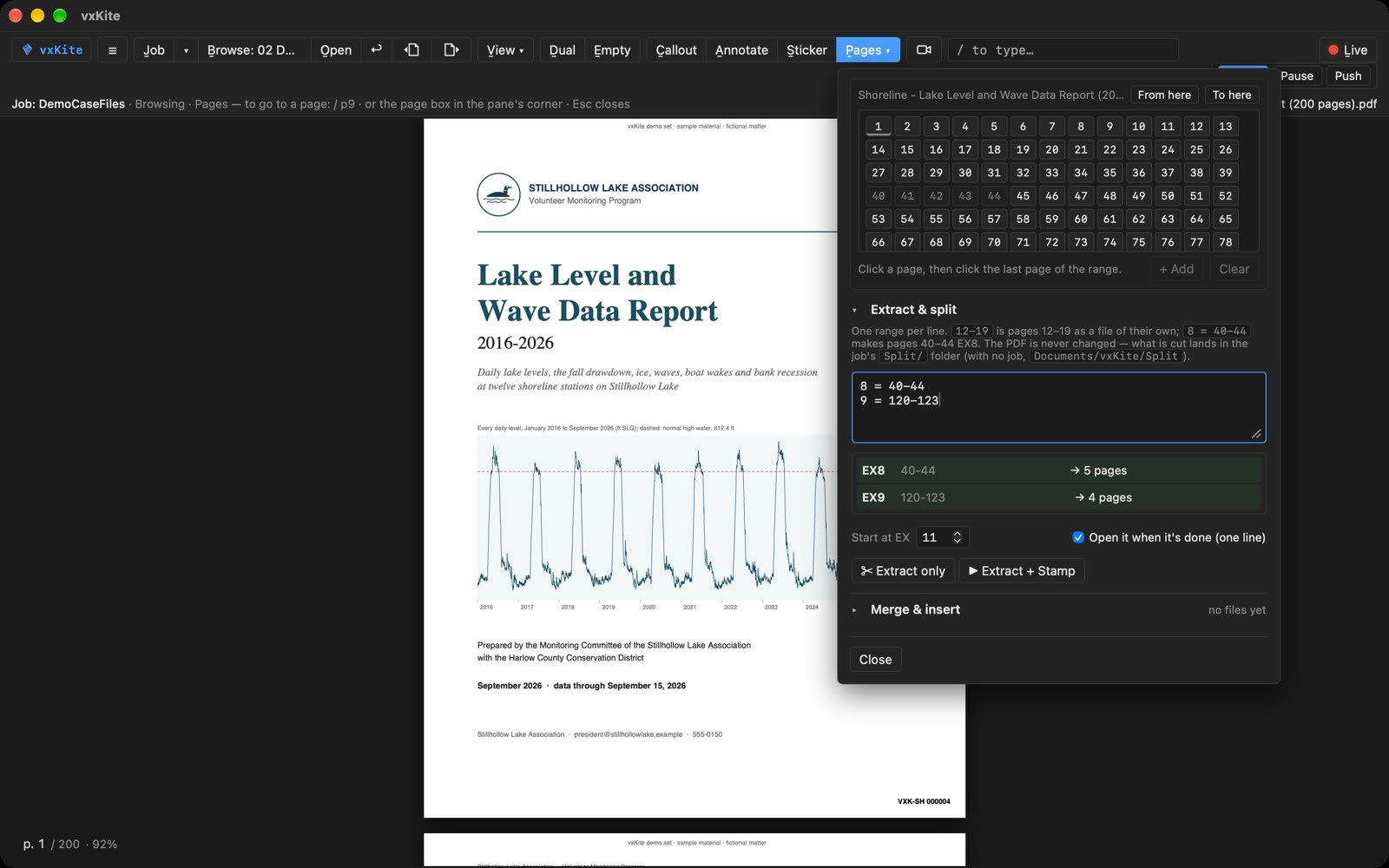
Split a long PDF into exhibits by page range, sticker a folder in one pass from a list, and write the exhibit list from the record whenever it's wanted — Excel, Word, PDF or CSV.
On this page: Mark, then hand off
7Media collection
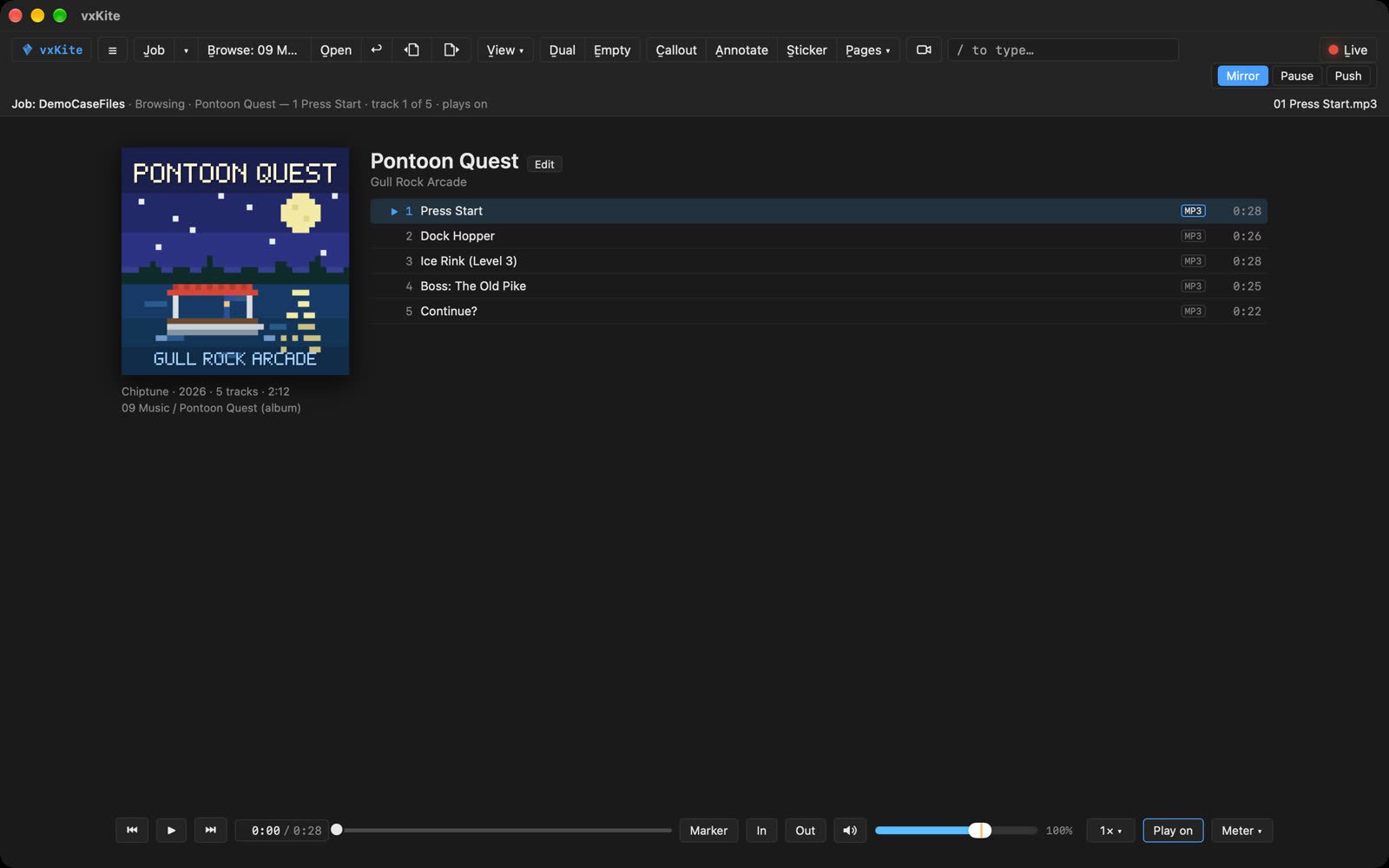
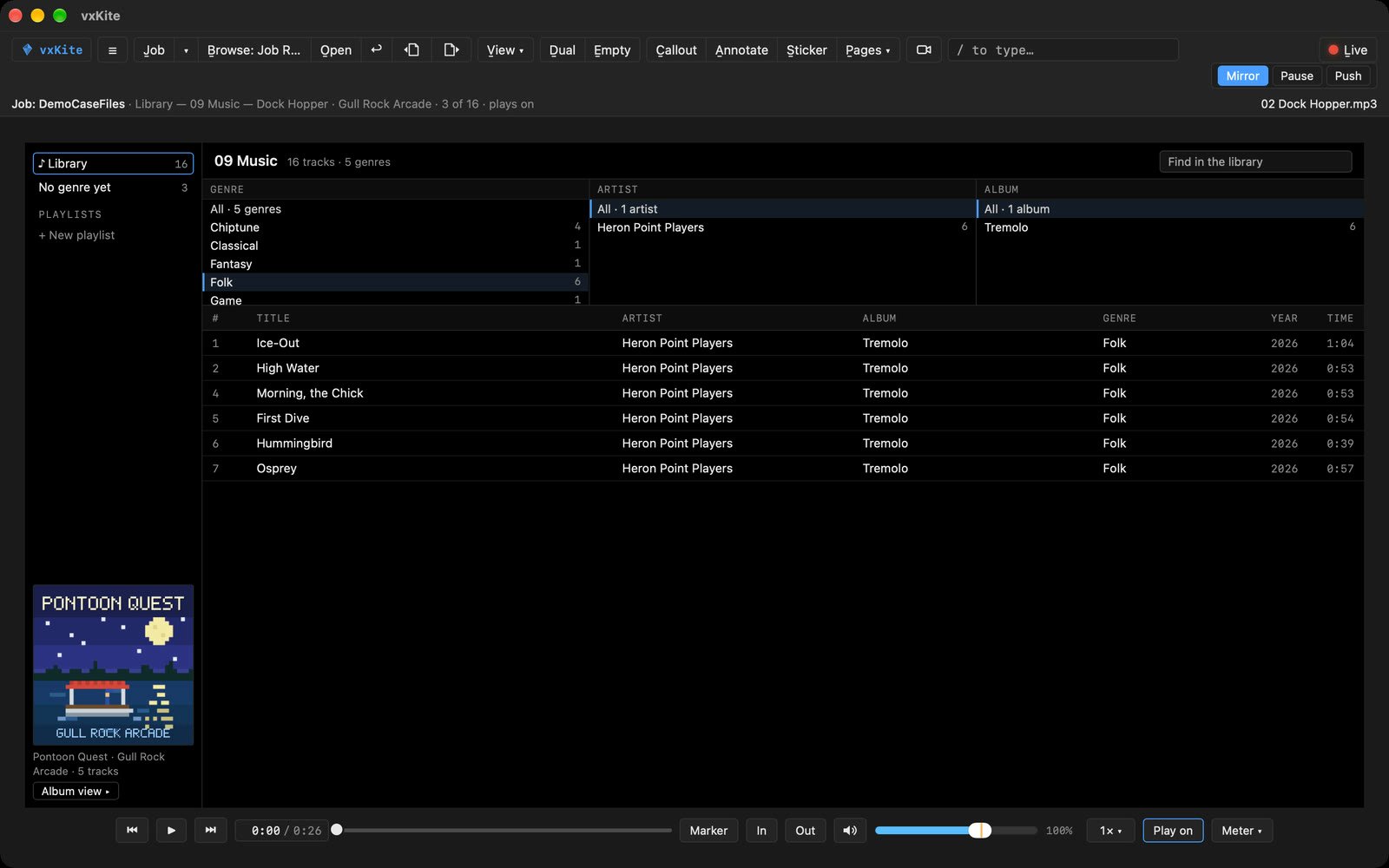
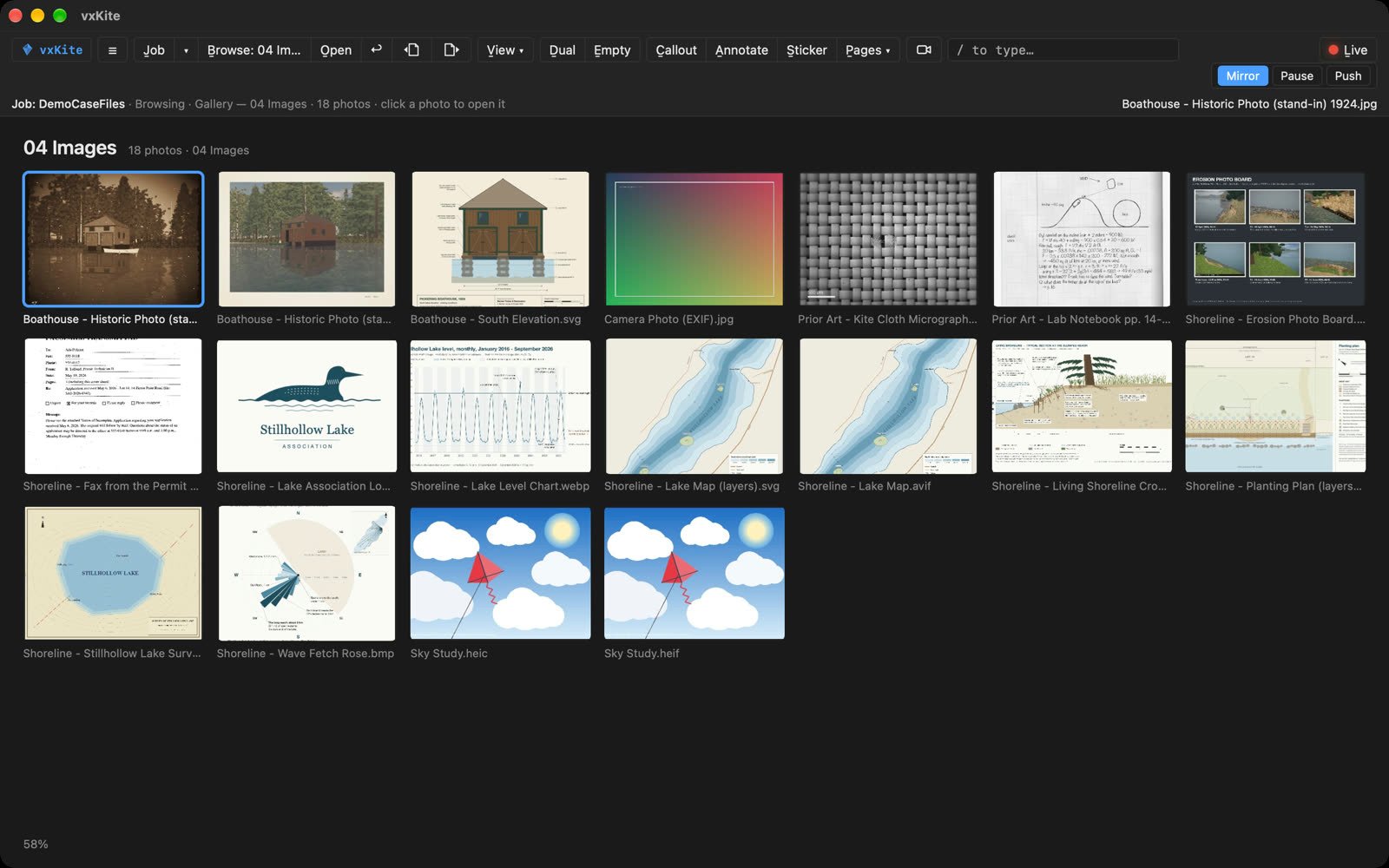
Music as an album that plays on, or a whole library by genre, artist and album, with playlists — FLAC and WAV included, and the music files never written. A folder of photos as a gallery; open one, and its Info says where and when it was taken.
What it opens
112 file extensions on the Mac and Windows alike — only AIFF and CAF audio play on the Mac alone. Nothing is fetched from the internet to open them, and no script a file carries is ever run.
- PDF 1
- Office 10
- Pictures 14
- Camera RAW 8
- JPEG 2000 5
- Studio files 7
- Medical 8
- Video 6
- Audio 13
- Books and comics 4
- Text and data 20
- Web and mail 4
- 3D 7
- GPS 4
- Canvas 1
Medical views are display only, not for diagnostic use. Every extension is listed on Help.